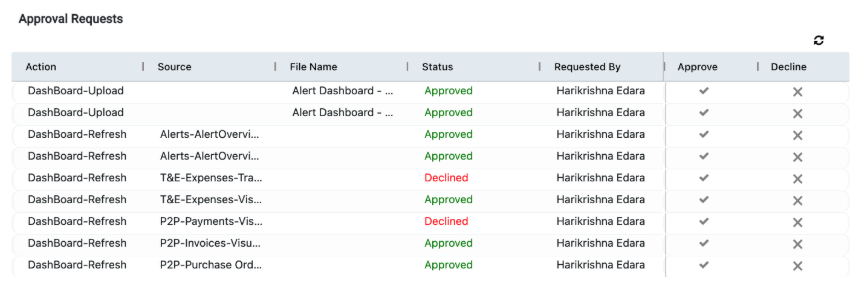
The “Approval Requests” nested within the Approval Management segment in the navigation menu, displays a table with all modification requests. Only when the admin selects the blue checkbox under the “Approve” column of the table, will the requested action be performed by the application.
Once a file has been uploaded, the grid on your screen will display the status “Not Initiated”. To complete the upload process, you must navigate to the “Approval Management" tab within the navigation menu and provide permission to upload the file.
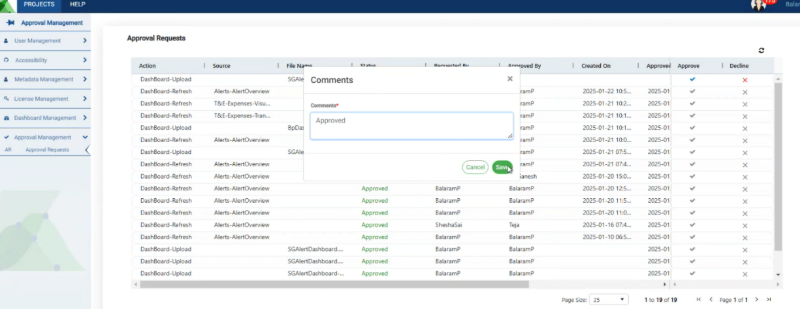
When the approve button is selected, a pop-up appears on your screen giving you the option to add additional comments to the request. Click on “Save” once you have added your comments to initiate the document upload.
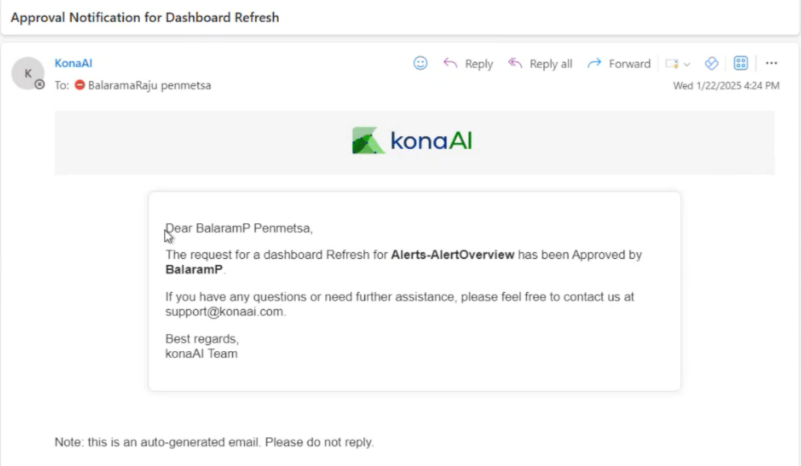
When an action receives approval, all admins receive an email notifying them of the approved changes to the application.
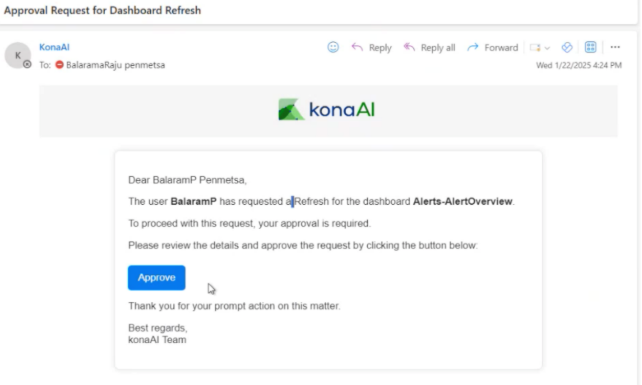
Once approved, the user receives an email notifying them of the confirmation.